Skip to content

Get Scoops for free

No install button? Your browser has its own: the steps for this device are below.

Computer

  • Chrome or EdgeThis deviceWindows, ChromeOS, Linux
    1. Open in Chrome or Edge
    2. Install icon
    3. Install
  • Safari on a MacAdds Scoops to your Dock
  • Any browserNothing to installOpen

Phone & tablet

  • iPhone & iPadSafari · not in the App Store yet
  • AndroidChrome · not on Google Play yet
  • Any phone browserNothing to installOpen

Open Scoops on your phone, tablet or computer and sign in: the same pets, portions and plans are waiting on each one.

Same account on every device
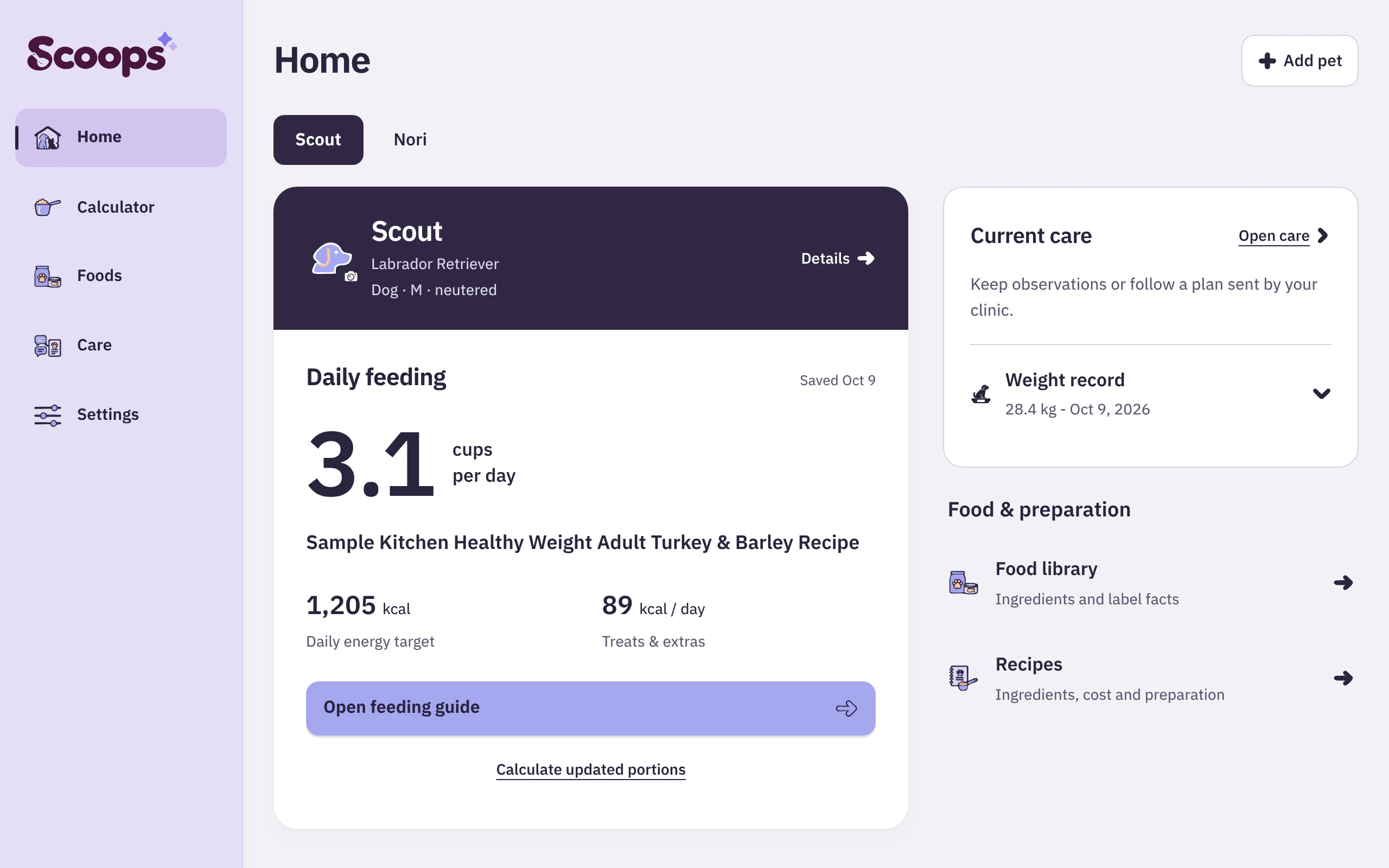
Scoops Home on a computer: Scout's daily feeding of 3.1 cups beside current care and the food library
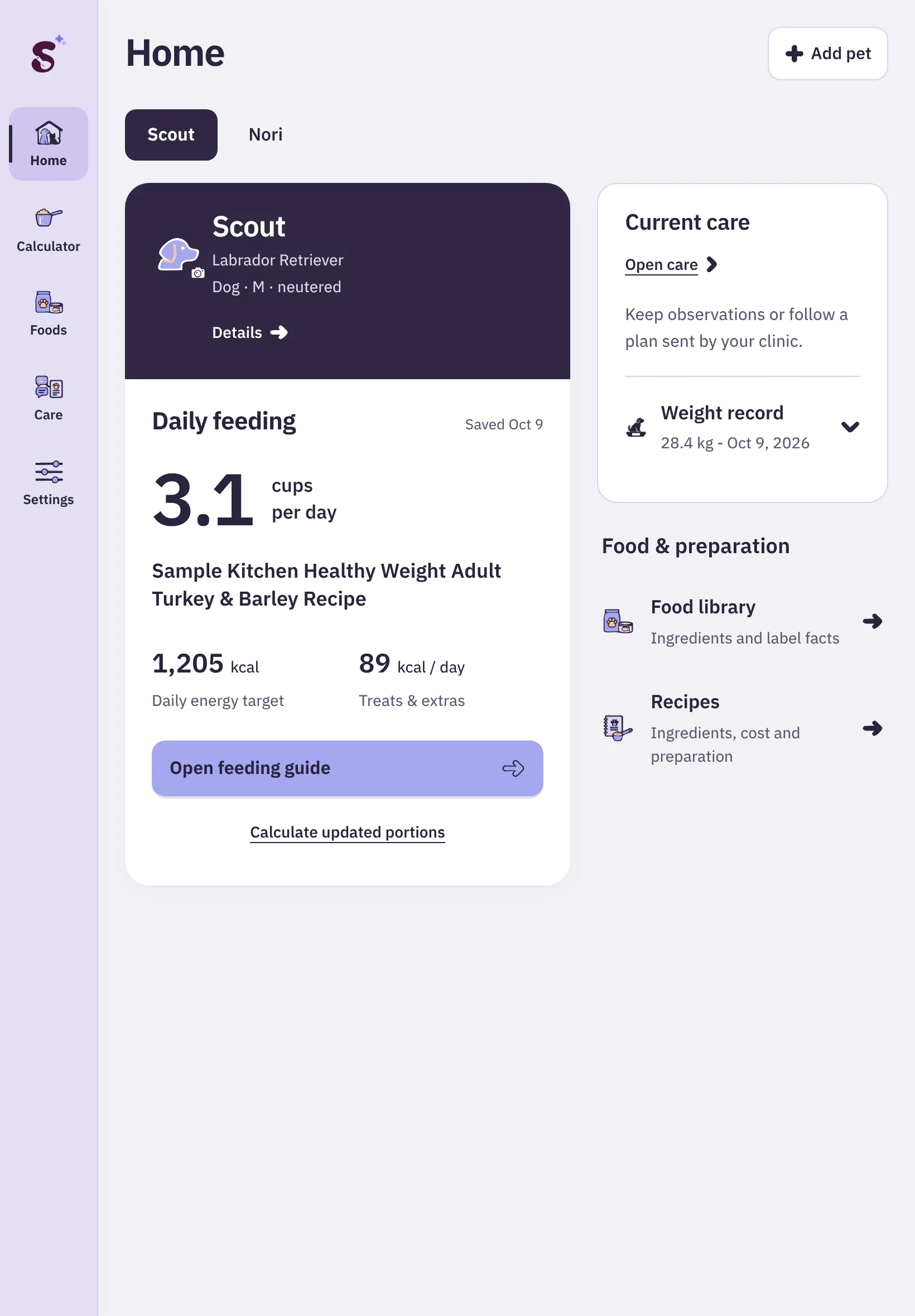
The same Home on a tablet
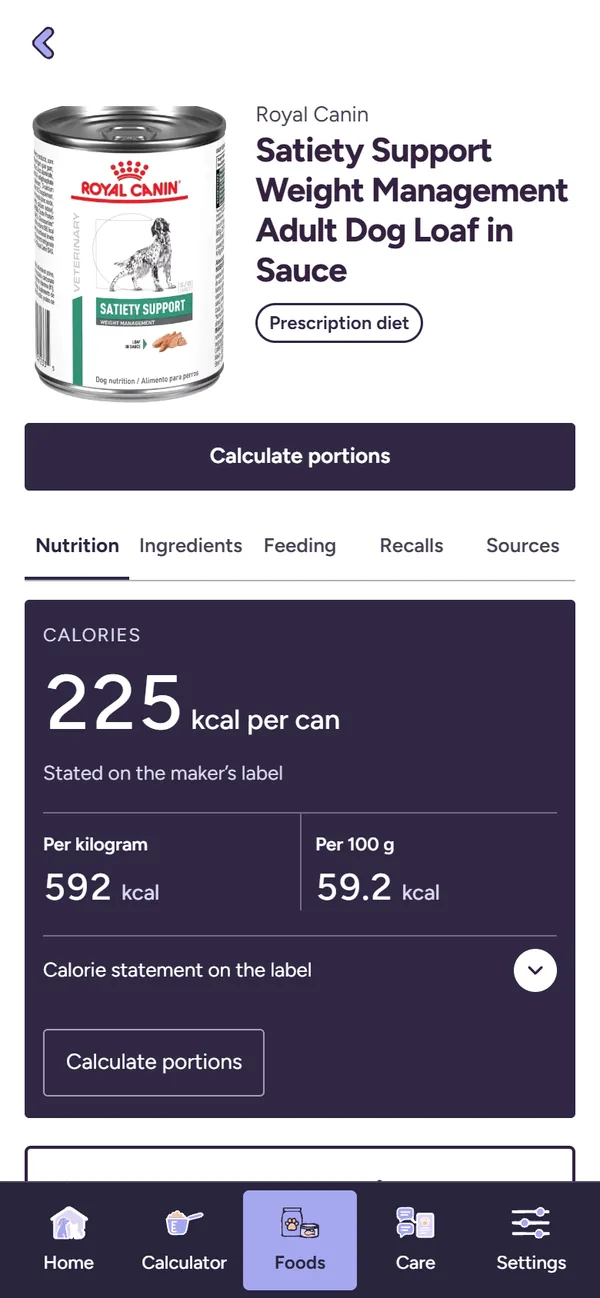
A food page in Scoops on a phone
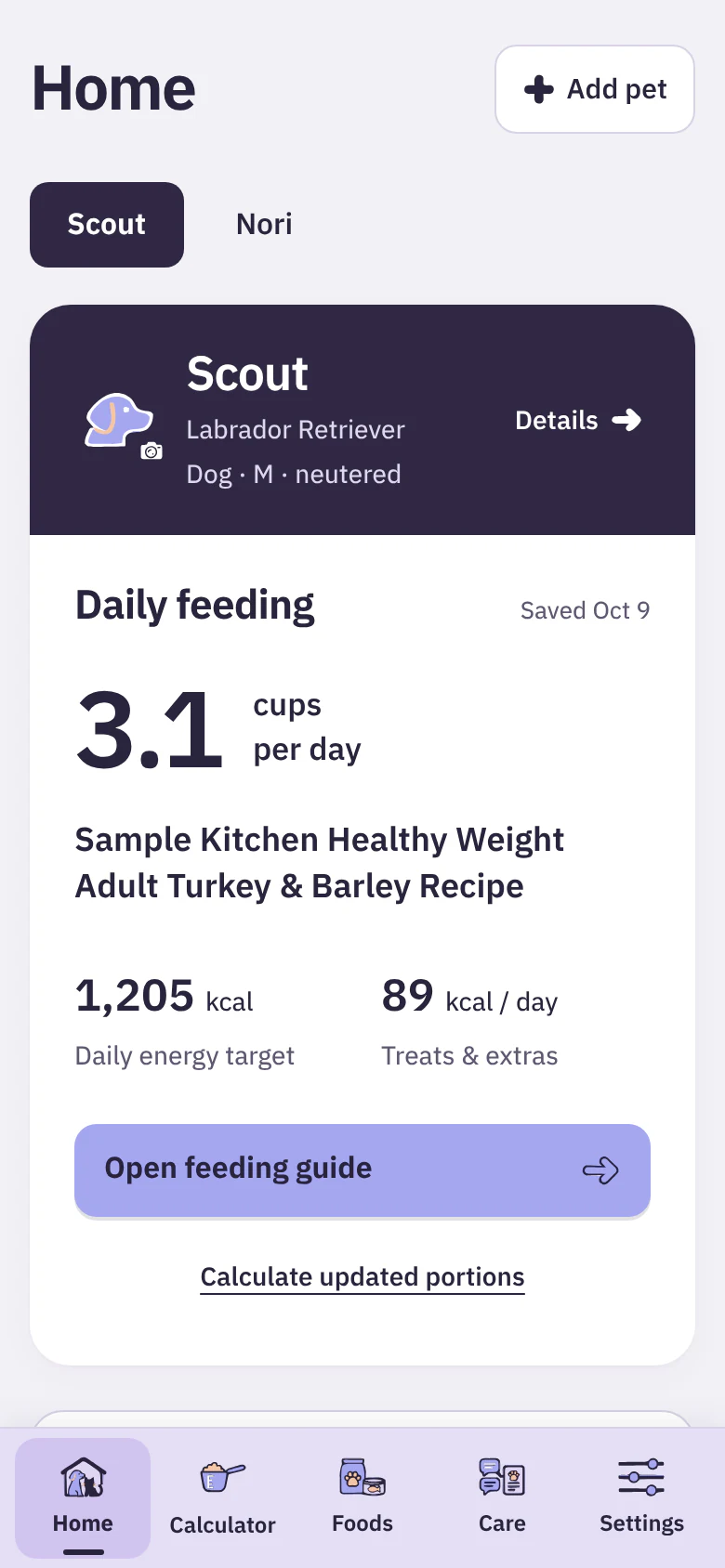
The same Home on a phone: Scout, 3.1 cups per day, Open feeding guide

On your home screen

  • ScoopsIts own icon and window, without the browser barSteps
  • Updates itselfCheck for an update any time in SettingsSettings
  • Same sign-inYour saved pets and plans come with youLog in